
How Different Purchase Rates for the Same Item Increase Costs and How SAP Business One Solves It
In many trading companies, purchasing teams regularly buy the same items such as packaging material, office supplies, spare parts, or raw materials from suppliers. But a common real-life problem is that the same item gets purchased at different rates on different days, even from the same supplier.
For example, a company purchased printer paper last month for ₹250 per pack. This month, another staff member urgently places a new order without checking the previous rate and buys the same pack for ₹290. Since the old records are stored in Excel sheets, WhatsApp chats, or emails, it takes too much time to verify the last price. In urgency, the higher rate is accepted.
Sometimes suppliers also take advantage of this situation. If they know the buyer does not have past purchase data ready, they may quote a higher price. Over time, these small extra costs increase total expenses and reduce company profit.
Another issue is that management does not realize the problem immediately because purchase data is scattered in multiple files. By the time they notice higher costs, many orders have already been placed.
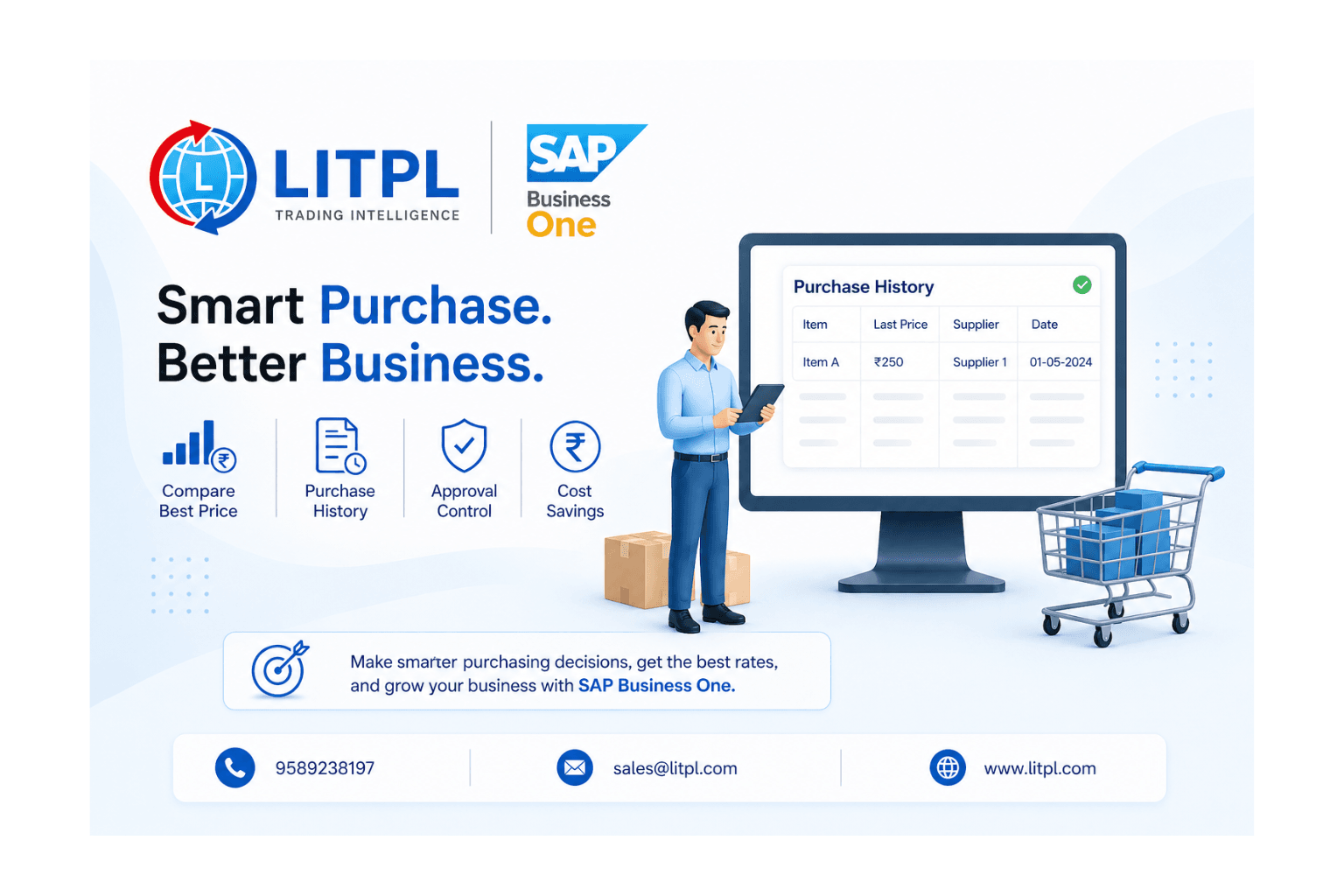
SAP Business One solves this problem by keeping complete purchase history in one centralized system. Before creating a purchase order, the user can instantly check:
- Last purchase price
- Supplier-wise item rates
- Previous order quantity
- Past transaction dates
- Multiple vendor comparisons
This helps the purchasing team identify if the new quoted rate is higher than the previous one. They can negotiate with the supplier or choose another vendor offering a better price.
SAP Business One also improves approval control. If the rate is unusually high, managers can review and approve the purchase before the order is finalized.
With real-time access to accurate purchase data, companies avoid overpaying, control costs, improve supplier decisions, and protect profit margins.