
Close every day cleanly
Sales, collections, expenses, and van stock reconcile in one place.
FMCG distribution
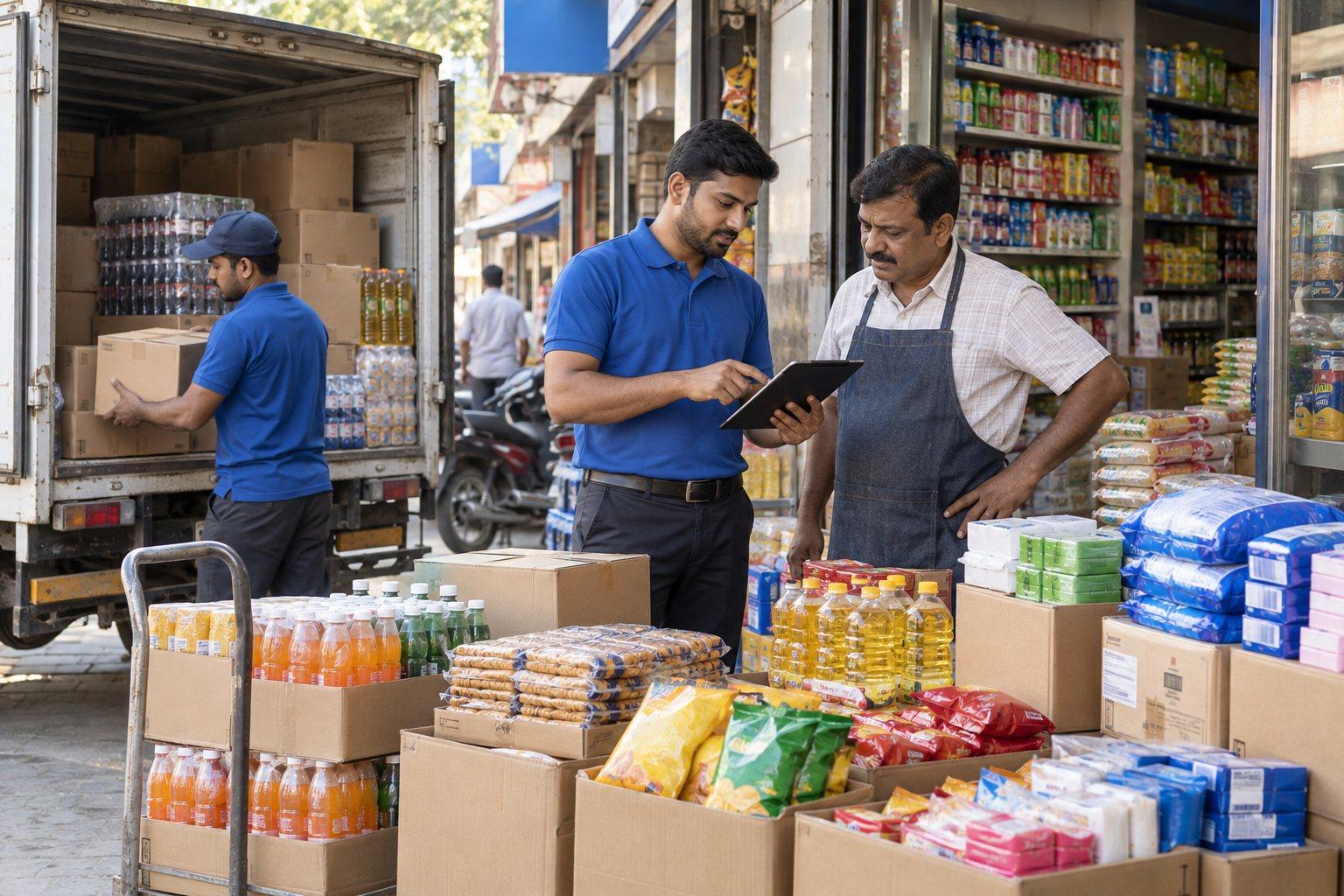
Fast-moving consumer goods distributors serve hundreds of outlets through van sales, pre-orders, and delivery routes. Keep outlet orders, stock on the van, invoices, cash and mobile-money collections, and salesperson activity in one record so the day reconciles.
Built around your business
A distribution day ends well when every outlet invoice, every collection, and every carton returned to the warehouse is accounted for. LITFusion keeps the salesperson's route, orders, invoices, collections, and expenses together so the office can close the day without chasing paper.
Sales, collections, expenses, and van stock reconcile in one place.
The salesperson sees outstanding balances and order history at the outlet.
Review coverage, sales, and collections by route and salesperson.
Solution capabilities to scope
Build the scope around the records your team uses, the decisions it makes, and the exceptions it needs to manage.
01 / SOLUTION AREA
Plan routes, record outlet visits, and keep each outlet's order history and credit position available to the salesperson.
02 / SOLUTION AREA
Load stock to the van, invoice at the outlet, and return unsold stock with the differences explained.
03 / SOLUTION AREA
Record cash, mobile-money, and bank collections against invoices, and review outstanding outlet balances by route.
04 / SOLUTION AREA
Apply trade schemes and discounts consistently, capture route expenses, and review salesperson performance against targets.
Recommended starting point
LITFusion covers field sales, billing, collections, expenses, and salesperson activity. Where a distributor also needs full purchasing, warehouse, and finance control, SAP Business One is discussed as the back office.
Explore the solution approach ↗An example operational workflow
Follow a typical transaction through the business. We adapt the sequence, approvals, and handovers to your operation during discovery.
Assign outlets to the day's route and load the van with stock against the plan.
Key record
Route plan and van load
Record the outlet visit, take the order or invoice on the spot, and apply the agreed scheme or discount.
Key record
Outlet invoice
Record cash, mobile-money, or bank collections against invoices, including part payments and credit.
Key record
Collection record
Return unsold stock, explain damages and shortages, and update the warehouse balance.
Key record
Van reconciliation
Review sales, collections, expenses, and outstanding balances by route and salesperson.
Key record
Daily route summary
Reporting priorities
Agree report definitions, date ranges, ownership, and source transactions before implementation. Use these industry-specific views as a starting point for your reporting scope.
Implementation approach
Agree the scope and acceptance criteria first, then prepare the data and people who will run the process.
Walk through a real transaction with your operations and accounts teams. Agree the priorities, exceptions, and reports.
Confirm product fit, responsibilities, approvals, and data fields. Scope any add-ons, custom workflows, and integrations.
Clean and map master records, opening stock, balances, and active transactions. Reconcile the data before migration.
Run representative transactions and exceptions with your users. Verify calculations, reports, access, and operating procedures.
Agree the cutover plan and support arrangements. Review early transactions and resolve issues with the responsible team.
Before you decide
Field connectivity varies widely across Africa and India. Discuss the routes, devices, and sync frequency your team needs so the offline behaviour and conflict handling can be confirmed during discovery.
The scope depends on your users, locations, opening data, approvals, reporting, and integrations. We review a representative workflow and agree what uses standard functionality, what needs configuration, and what needs additional development before preparing the proposal.