
See costs by season
Associate input and operating expenses with the crop cycle they support.
Agriculture & agribusiness
Agricultural businesses manage input purchases, field activities, harvested produce, storage, and sales. Map those records around your crop cycles and locations so the operational and financial information can be reviewed together.
Built around your business
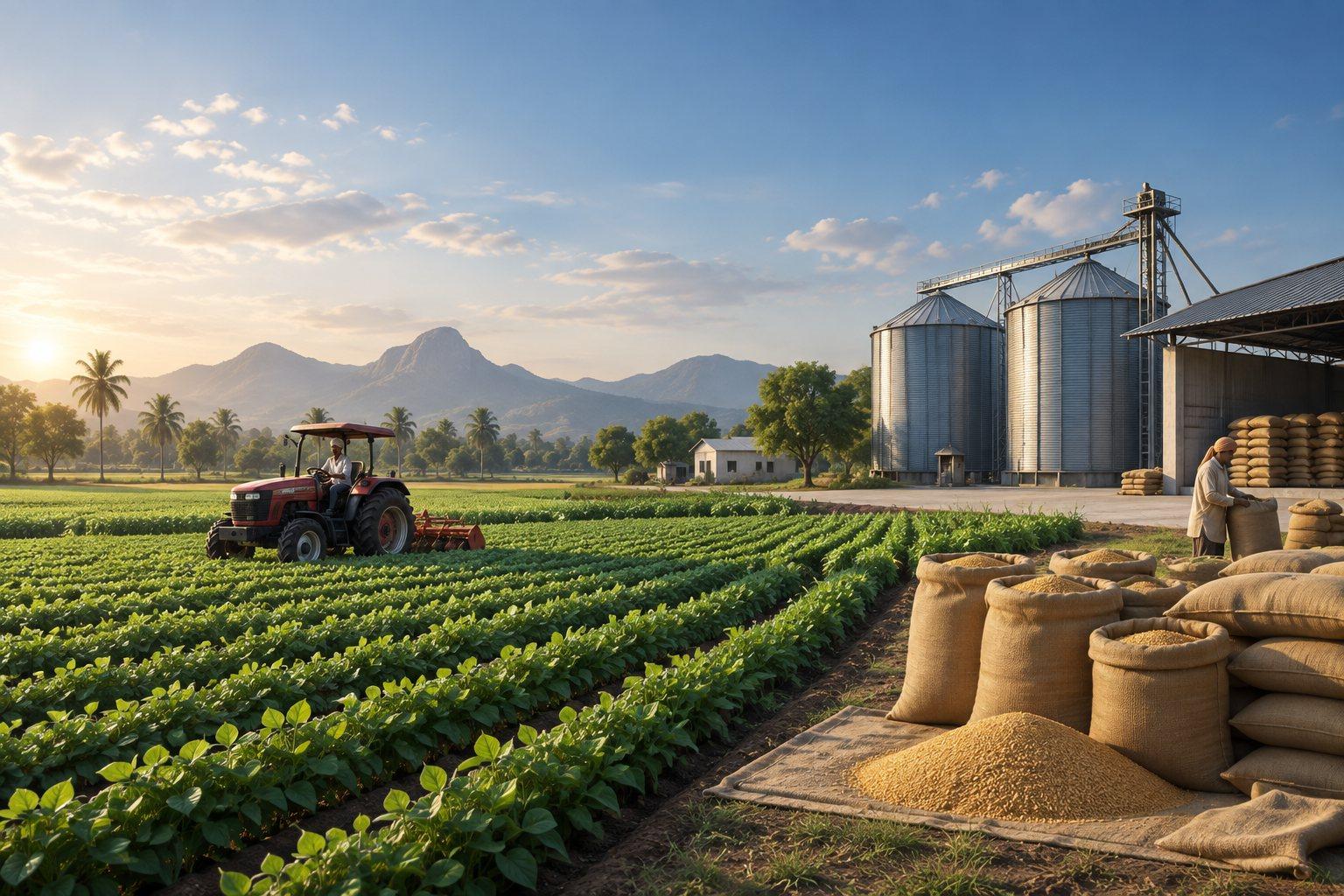
Agribusiness spans more than the harvest. Inputs, labour, machinery, purchased produce, storage, and sales all contribute to the result of a season. Organizing transactions by farm, crop cycle, or produce lot creates a clearer basis for cost and stock review.
Associate input and operating expenses with the crop cycle they support.
Retain source, grade, and location information through storage and sale.
Connect purchased produce and grower records with sales and settlements.
Solution capabilities to scope
Build the scope around the records your team uses, the decisions it makes, and the exceptions it needs to manage.
01 / SOLUTION AREA
Discuss seed, fertilizer, equipment, and other input records, including the locations or activities against which they are used.
02 / SOLUTION AREA
Define field or crop-cycle records for labour, irrigation, machinery use, and other costs relevant to the business.
03 / SOLUTION AREA
Review produce receipts, quantities, grades, lots, storage locations, and stock movements.
04 / SOLUTION AREA
Connect purchasing or grower records, customer sales, deliveries, invoices, and payment follow-up.
Recommended starting point
Agriculture requirements need a discovery discussion. ERP can provide a purchasing, stock, sales, and accounts foundation; field records, crop-cycle costing, grower settlements, and specialized tracking must be scoped separately.
Explore the solution approach ↗An example operational workflow
Follow a typical transaction through the business. We adapt the sequence, approvals, and handovers to your operation during discovery.
Identify the farm or field, crop, season, and cost categories your business needs to monitor.
Key record
Crop-cycle reference
Record seed, fertilizer, and other purchases; allocate input consumption, labour, and machinery costs to the relevant activity.
Key record
Input and activity-cost record
Capture quantities, source, grade, and lot references for your own harvest or produce received from growers.
Key record
Produce receipt
Track produce by location and lot, including transfers, grading differences, and recorded handling losses.
Key record
Produce stock and movement record
Link deliveries, customer invoices, collections, and applicable grower settlements, then review the crop cycle's costs and income.
Key record
Sales and seasonal cost review
Reporting priorities
Agree report definitions, date ranges, ownership, and source transactions before implementation. Use these industry-specific views as a starting point for your reporting scope.
Implementation approach
Agree the scope and acceptance criteria first, then prepare the data and people who will run the process.
Walk through a real transaction with your operations and accounts teams. Agree the priorities, exceptions, and reports.
Confirm product fit, responsibilities, approvals, and data fields. Scope any add-ons, custom workflows, and integrations.
Clean and map master records, opening stock, balances, and active transactions. Reconcile the data before migration.
Run representative transactions and exceptions with your users. Verify calculations, reports, access, and operating procedures.
Agree the cutover plan and support arrangements. Review early transactions and resolve issues with the responsible team.
Before you decide
Yes, the scope can distinguish your own harvest from purchased produce. Farm activity costing and grower settlement rules require different records, so the solution should reflect the activities your business actually performs.
The scope depends on your users, locations, opening data, approvals, reporting, and integrations. We review a representative workflow and agree what uses standard functionality, what needs configuration, and what needs additional development before preparing the proposal.