No lead falls through the gap
Each lead has an owner, a status, and a next action with a reminder, so the pipeline is visible to the whole team.
LITCRM
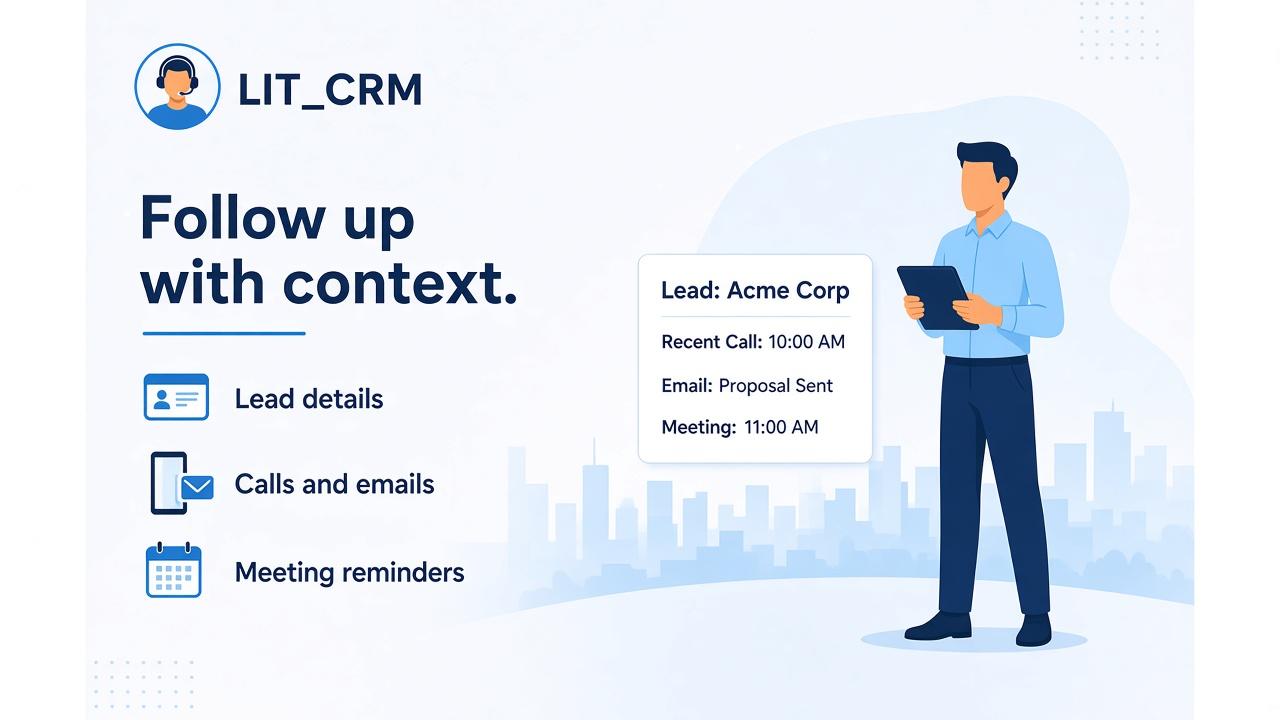
When lead details live in notebooks, WhatsApp threads, and individual memory, follow-ups become harder to manage. LITCRM brings lead information, calls, emails, meetings, and meeting reminders into one place so every enquiry has an owner and a next step.
For b2B sales, dealer, and business development teams managing repeat follow-ups
+91 99070 36906 · WhatsApp works from any country
What changes for your business
Keep every lead, call, email, and meeting in one record so follow-ups do not depend on who remembers what.
Each lead has an owner, a status, and a next action with a reminder, so the pipeline is visible to the whole team.
The last conversation, email, and meeting notes are in front of the salesperson before they dial.
Leads by stage, source, and owner show where deals stall and where follow-up is overdue.
When a salesperson leaves or a territory changes, the history moves with the lead.
What it covers
Everything around a lead in one place. Stages, territories, and reporting are set up to match your sales process during discovery.
One record per lead with contact details, source, owner, status, and the history of every interaction.
Log each call with its outcome and next step, so the next person to pick up the lead knows what was said.
Keep email follow-ups with the lead they belong to instead of in individual inboxes.
Record meetings held with each lead, who attended, and what was agreed.
Reminders for planned meetings and overdue follow-ups keep the pipeline moving without a manager chasing.
An example workflow
Maintain a central record so the team can find the information needed for a conversation.
Keep track of calls, email follow-ups, and meetings around the lead.
Use meeting reminders to keep planned conversations on the team’s radar.
The sequence, approvals, and handovers are adapted to your operation during discovery.
Decisions we agree in discovery
These are answered with your documents before a proposal is written, so the quote reflects your business rather than a generic package.
Where enquiries come from and the stages your sales process moves through.
Territories, owners, and who can see or reassign which leads.
Reminder timing, escalation for overdue follow-ups, and what counts as a closed lead.
How email follow-ups and meeting reminders fit with the tools your team already uses.
The pipeline and activity reports managers review each week.
How LITPL implements it
Proposals show licences, services, and support separately, in the currency you contract in.
Hosting, delivery, and support
Salespeople update leads from the office or the field; managers review the pipeline centrally. Hosting options are confirmed during discovery.
Discovery, configuration, training, and support run over video calls, screen sharing, and WhatsApp in a working window that overlaps your day. On-site visits are arranged for go-live or plant and yard walkthroughs when they add value.
WhatsApp is the fastest channel. Email and phone are answered Monday to Saturday in the agreed window; extended support windows are agreed per project.
Working hours in your time zone and the full delivery model are on the Where we work page.
Questions buyers ask
A contact list tells you who someone is. LITCRM also keeps the calls, emails, and meetings around a lead together, giving the team context for the next follow-up.
Those work until two people follow up the same lead, or nobody does. LITCRM keeps ownership, history, and reminders in one place without adding paperwork for the salesperson.
Yes. Bring your current lead list; we map the columns and load it during setup.
Handing a won lead over to quotations and orders in SAP Business One is a common request. The integration scope is agreed after seeing your sales process.
A small team is usually working within a few weeks: process mapping, setup, import, and a training session.
Next step
Bring a sample lead record and describe how your team handles calls, emails, and meeting follow-ups today.
Working with businesses across Africa and India, with remote delivery and on-site visits when the project needs them.