
Keep daily records consistent
Organize feed, bird movements, and output under the same flock reference.
Poultry farming
Poultry farms keep daily records of birds, feed, farm expenses, and production. Organize those records by flock or batch to support purchasing, stock control, sales, and financial review across your farm.
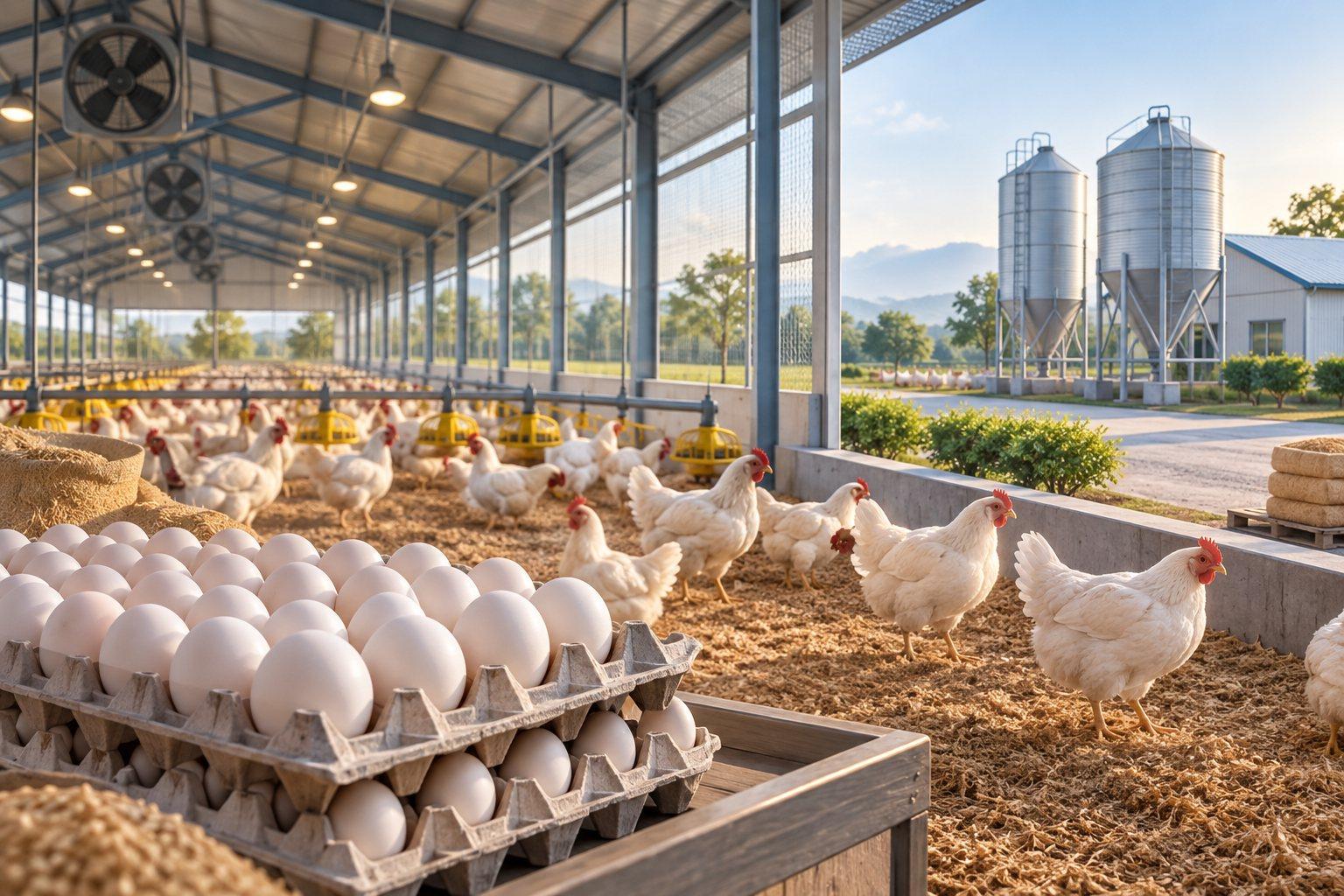
Built around your business
Poultry operations generate daily records that become more useful when connected to a flock, shed, and production cycle. Bring bird movements, feed, farm expenses, and egg or bird sales together to support consistent operational and financial review.
Organize feed, bird movements, and output under the same flock reference.
Distinguish shared farm costs from costs allocated to a particular cycle.
Review egg or bird sales alongside the production and expense records.
Solution capabilities to scope
Build the scope around the records your team uses, the decisions it makes, and the exceptions it needs to manage.
01 / SOLUTION AREA
Discuss placement dates, opening bird numbers, houses or sheds, bird movements, and mortality records.
02 / SOLUTION AREA
Review feed purchases, stock and consumption records, labour, utilities, and other costs allocated to the flock or farm.
03 / SOLUTION AREA
Define the egg-production records needed for layers or the weight and sale records relevant to broiler operations.
04 / SOLUTION AREA
Connect egg or bird sales, customer invoices, receipts, purchases, and the financial reports the business needs.
Recommended starting point
Define flock, feed, production, accounting, and reporting requirements together, including any farm-system integrations, before confirming the application and implementation scope.
Explore the solution approach ↗An example operational workflow
Follow a typical transaction through the business. We adapt the sequence, approvals, and handovers to your operation during discovery.
Record placement date, bird numbers, source, shed, and the production cycle reference.
Key record
Opening flock register
Capture feed issued, stock received, labour, utilities, and other expenses against the appropriate flock or farm.
Key record
Feed and farm-cost record
Record bird movements and mortality; capture egg quantities for layers or weight observations for broilers as applicable.
Key record
Daily flock and output sheet
Connect egg grades or bird quantities, customer delivery details, invoices, and payment receipts.
Key record
Sales and dispatch record
Reconcile opening birds, movements, losses, sales, and closing quantities, then review recorded costs against output.
Key record
Flock reconciliation and cost summary
Reporting priorities
Agree report definitions, date ranges, ownership, and source transactions before implementation. Use these industry-specific views as a starting point for your reporting scope.
Implementation approach
Agree the scope and acceptance criteria first, then prepare the data and people who will run the process.
Walk through a real transaction with your operations and accounts teams. Agree the priorities, exceptions, and reports.
Confirm product fit, responsibilities, approvals, and data fields. Scope any add-ons, custom workflows, and integrations.
Clean and map master records, opening stock, balances, and active transactions. Reconcile the data before migration.
Run representative transactions and exceptions with your users. Verify calculations, reports, access, and operating procedures.
Agree the cutover plan and support arrangements. Review early transactions and resolve issues with the responsible team.
Before you decide
Yes. Layers need daily egg production, grades, and dispatch records; broilers need the weight and sale information used by the farm. Define each production model and any farm-system interfaces before confirming screens, calculations, and reports.
The scope depends on your users, locations, opening data, approvals, reporting, and integrations. We review a representative workflow and agree what uses standard functionality, what needs configuration, and what needs additional development before preparing the proposal.