
Migration service
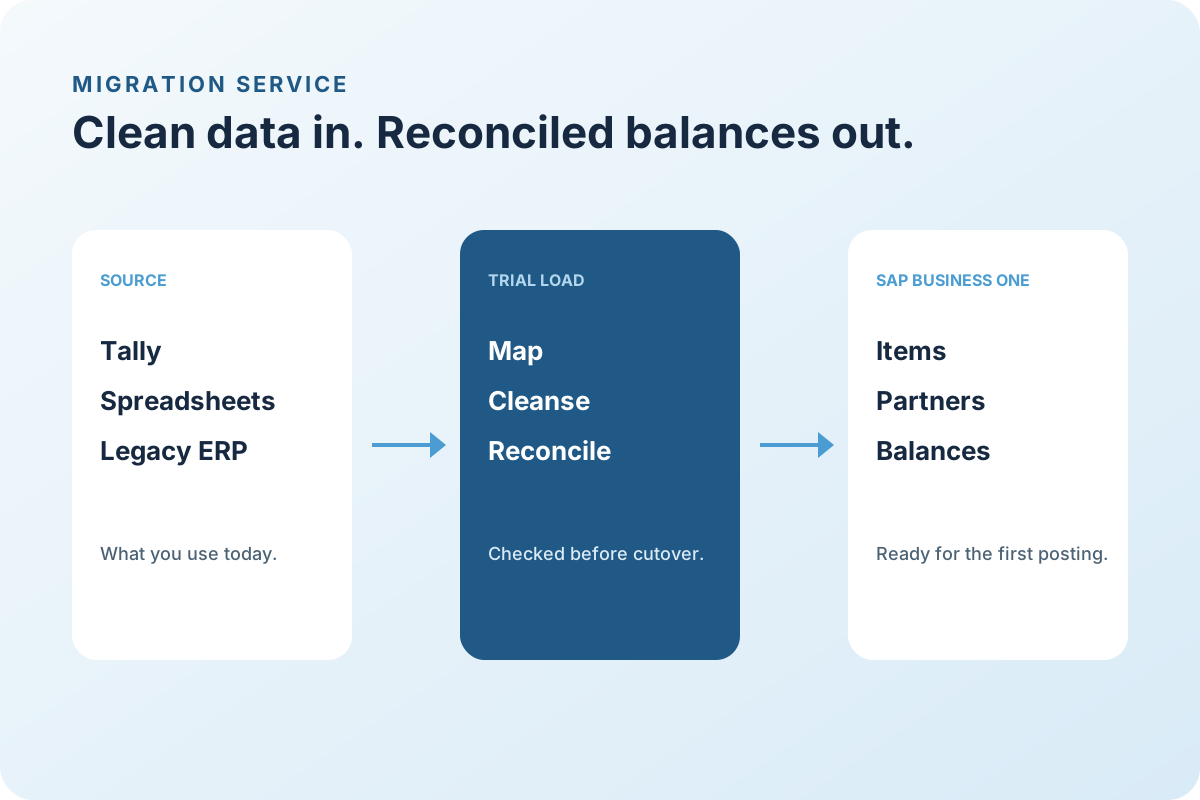
Clean data in, reconciled balances out, before anyone posts the first transaction.
Most ERP go-lives that go wrong go wrong on data. LITPL runs migration as its own workstream: agreed templates, cleansing rules, trial loads you can check, and a cutover load reconciled to your old system on the day you switch.
Working with businesses across Africa and India, with remote delivery and on-site visits when the project needs them.
How the work runs
A clear path, with something finished at every step.
Data moves in a rehearsed sequence. The old system and SAP Business One are reconciled before the first live posting.
Step 01
Map
Agree which data moves and what it maps to.
You leave with: A field-by-field mapping
Step 02
Cleanse
Fix duplicates, units, and codes in the templates.
You leave with: Clean templates and an exception log
Step 03
Trial load
Load to a test company and reconcile.
You leave with: A test company checked against the source
Step 04
Rehearse
Repeat with fresh data to time the cutover.
You leave with: A timed cutover rehearsal
Step 05
Cut over
Final load, reconciliation, sign-off.
You leave with: The final load and a sign-off record
Who it is for
Built for teams like yours.
Moving from accounting software
Tally, QuickBooks, Sage, Pastel, or similar, where items and customers exist but stock and documents live in spreadsheets.
Replacing a legacy ERP
Older or unsupported systems where history must be preserved and open documents carried across.
Consolidating several systems
Branches or companies on different tools that need one master-data set.
What the service covers
Scope we agree before quoting.
- 01
Master data
Items, units, prices, business partners, contacts, chart of accounts, warehouses, and tax codes, cleansed and de-duplicated.
- 02
Opening balances
Trial balance, customer and supplier ageing, bank balances, and stock by warehouse and batch, reconciled to the source.
- 03
Open documents
Open sales and purchase orders, deliveries not yet invoiced, and unpaid invoices.
- 04
History
Decide what history is loaded, what is kept in the old system for reference, and what is archived.
- 05
Cutover
A rehearsed sequence with checks at each step and a sign-off before the first live posting.
What you receive
- Migration plan with owners and dates
- Cleansing rules and exception log
- Two trial loads with reconciliation reports
- Cutover checklist and sign-off record
- Archive of the source data as loaded
Proposals show services and support separately, in the currency you contract in.
Products
- SAP Business One ↗
Connected business management
- SAP S/4HANA Public Cloud ↗
Cloud ERP
Questions we hear
Before you ask for a proposal.
Can we keep our old item and customer codes?
Usually yes, if they are unique and fit the field length. Where they do not, we agree a mapping and keep the old code in a reference field.
How much history should we migrate?
Opening balances and open documents are essential. Transaction history is optional and often better kept in the old system for lookup for a year.
Who cleans the data?
Your team owns the decisions; we provide the templates, exception reports, and rules, and do the mechanical work.
Tell us what you need done, and by when.
Share your country, current software, and the outcome you want. We reply in your working hours with a first call slot.